Getting started
Get everyone on the board
Show the QR code, send the link, or read out the code, and let players add themselves.
For hosts2 min
- 1
Open the share sheet
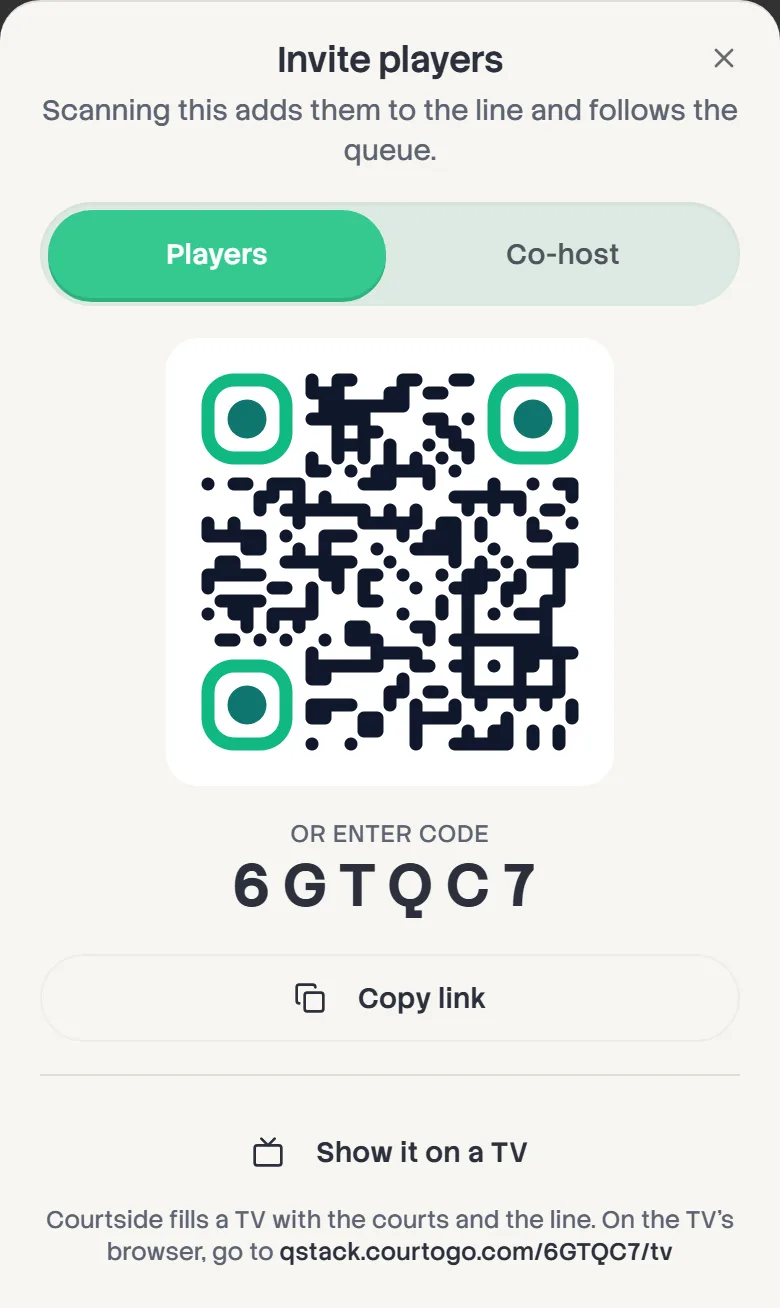
Tap the share button at the top of the board. With self-join on, the sheet is called Invite players. Scanning its QR code adds someone to the line and lets them follow the board.
- 2
Show it, send it, or say it
Hold the QR code up, tap Copy link and paste it into the group chat, or read out the six-character code under Or enter code. Players can type the code on qstack.courtogo.com.
- 3
Decide who adds players
With Players can add themselves on, anyone holding the link joins the back of the line. Turn it off in Queue settings and the link becomes watch-only: players can follow the board, but only you add names.
- 4
Walk-ins
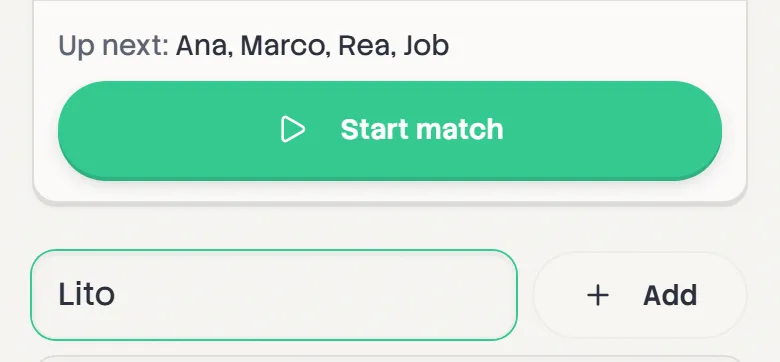
Someone arrives without a phone? Type them into Add a walk-in at the bottom of the line and tap Add. Names you've used before are suggested as you type.