During the session
Run the courts
Change who's up next, send a group to a free court, swap a player mid-game, and fix a wrong result.
For hosts and co-hosts5 min
- 1
Read Up next
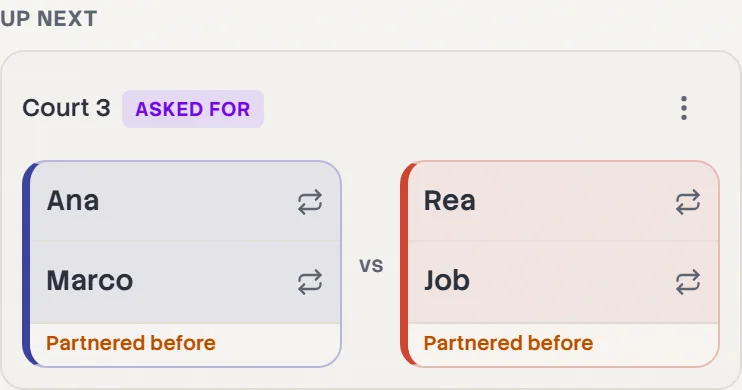
Each group in Up next says where it's going: a court number if one is free, otherwise First court free. Groups the board picked are marked Auto, ones you changed Custom, and requested ones Asked for.
- 2
Change who's up next
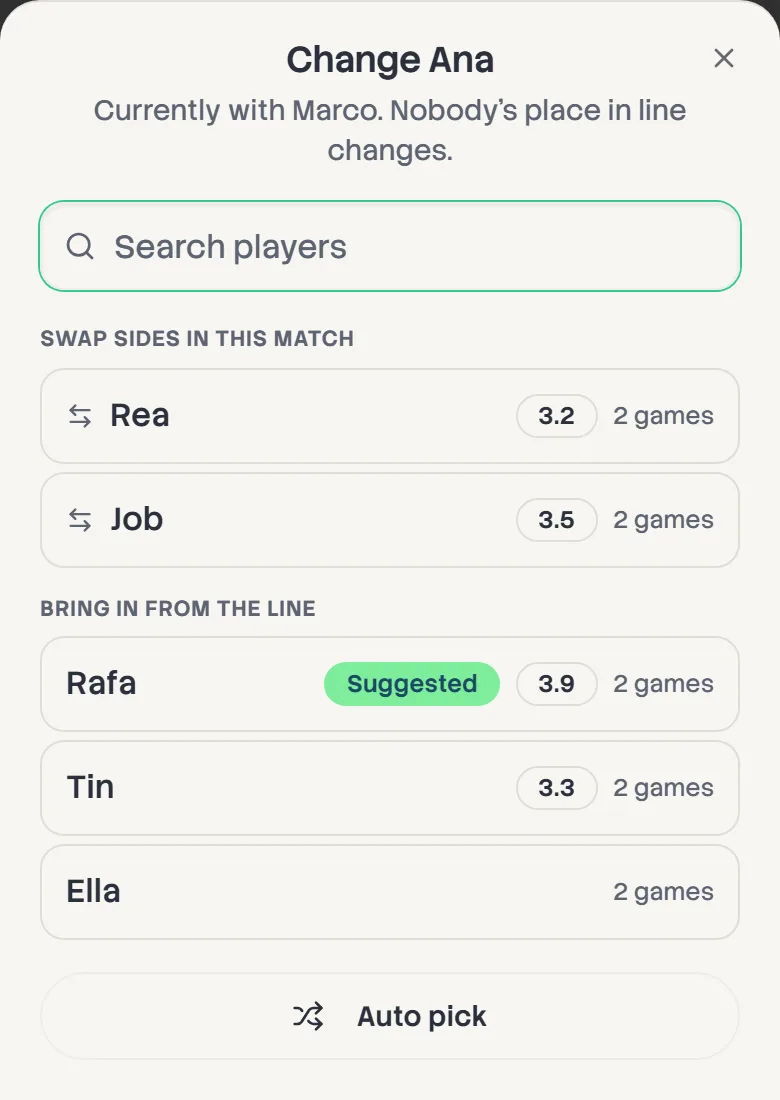
Tap any name in Up next to change them. You can swap sides in that game, bring in someone from the line, or swap with someone in a later game. Nobody's place in line changes. Tap Auto to hand the group back to the board.
- 3
Send a group to a particular court
With more than one court, a group's menu offers Send to court 2 (and so on) to put it on the court you choose. It's the way to let the second group go before the first.
- 4
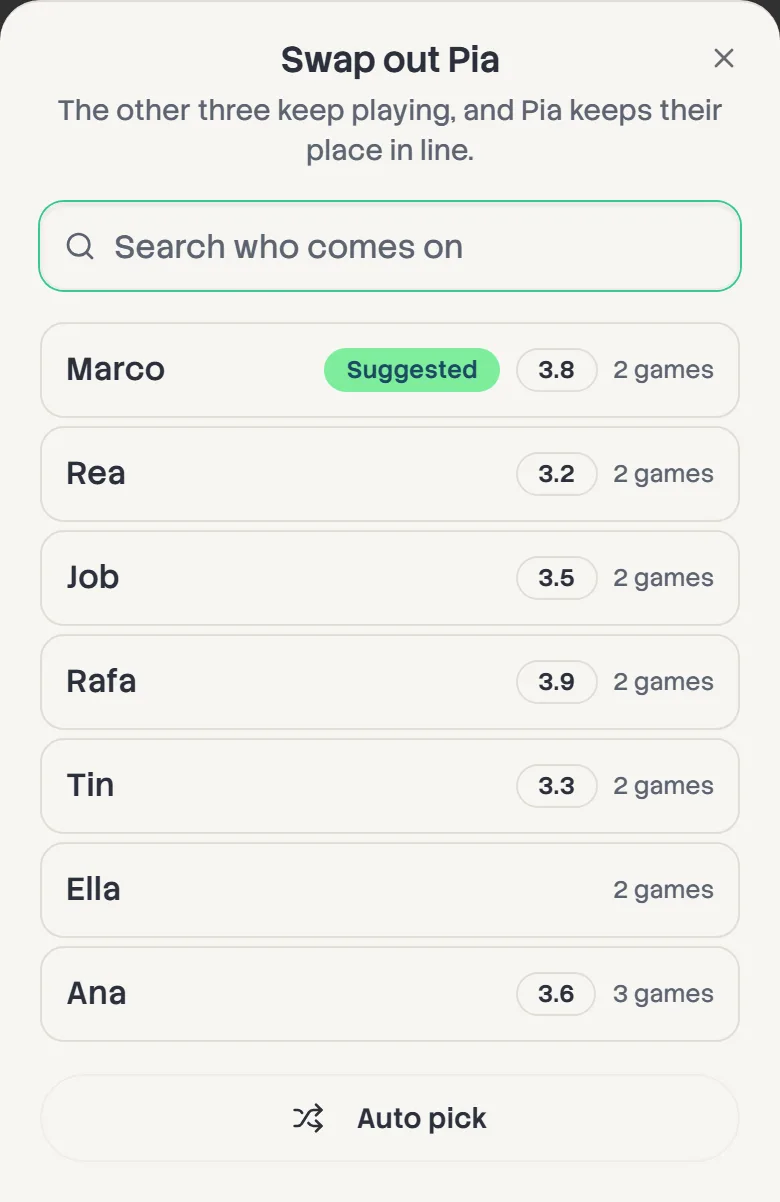
Swap a player mid-game
Someone has to stop? Tap their name on the court. The other three keep playing, and the player coming off keeps their place in line. Pick who comes on, or take the Suggested player.
- 5
Switch partners or cancel
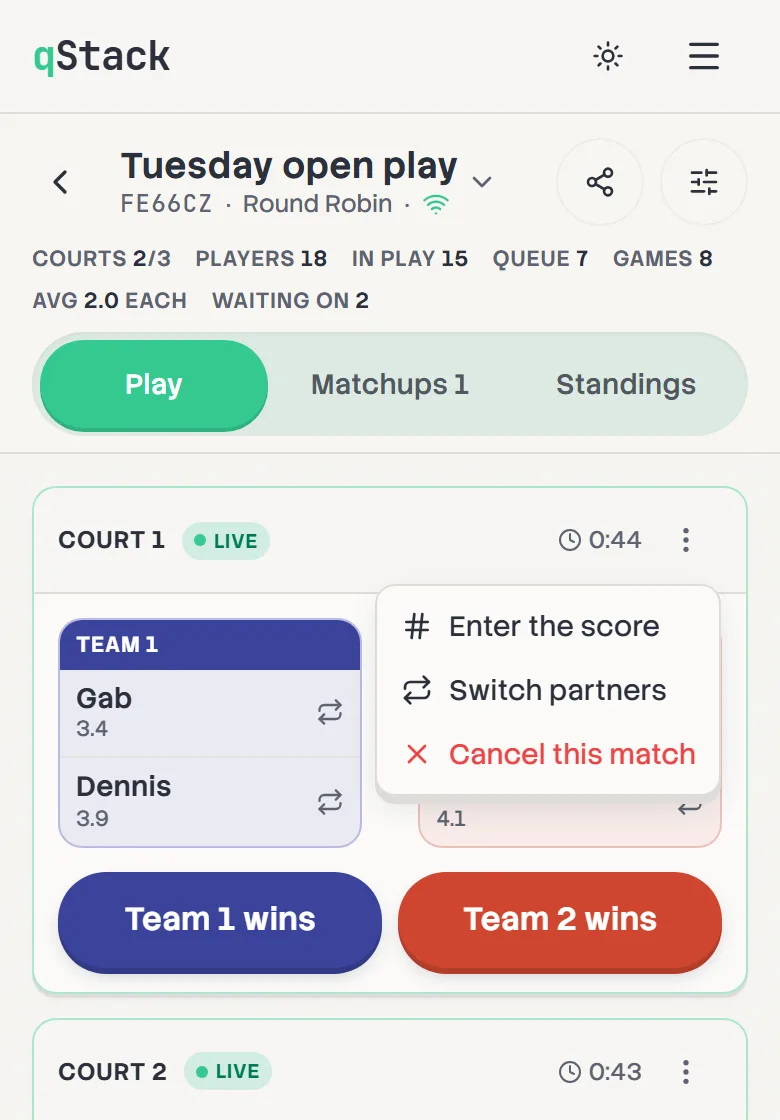
Open the court's menu for Switch partners, Enter the score or Cancel this match. In Switch partners, tap two players to swap them. Each change saves straight away.
- 6
Sit someone out
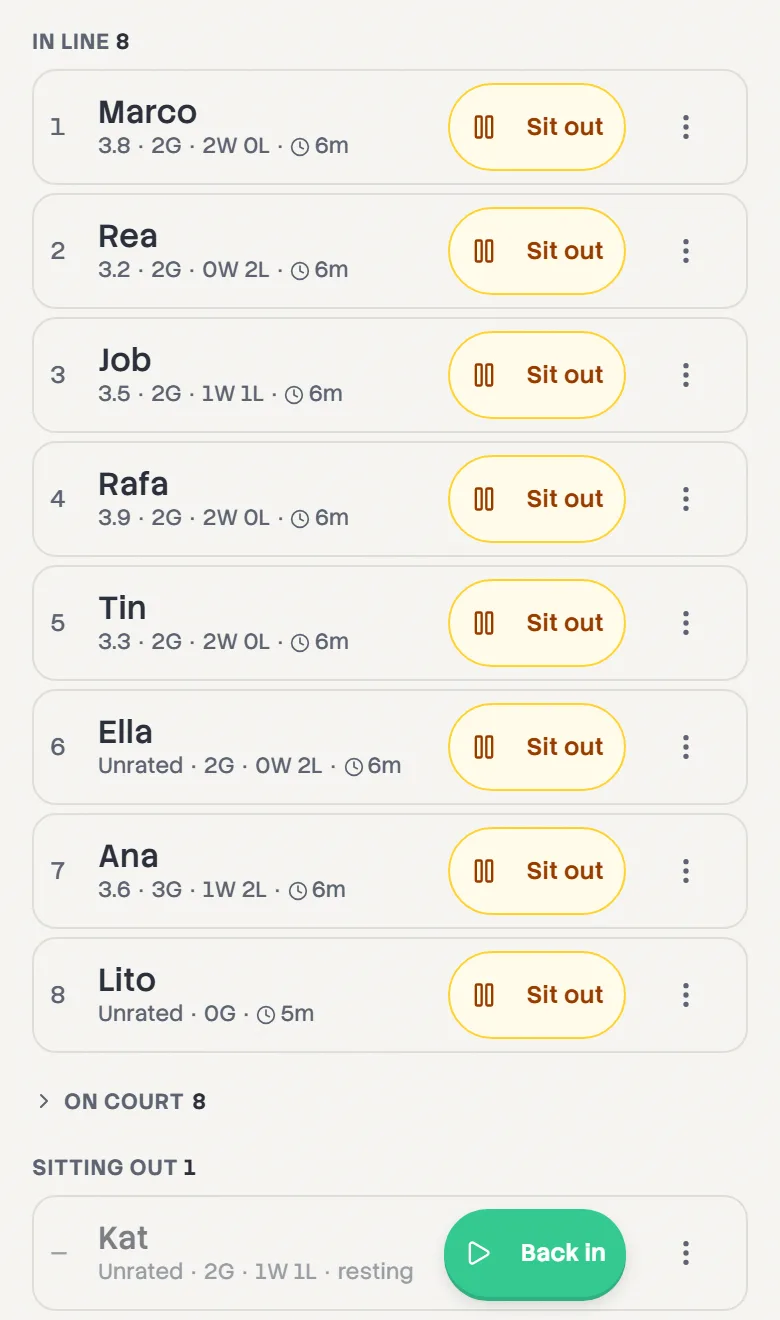
Tap Sit out on a player's row. They come out of the line but keep their place, and Back in puts them back. Remove only appears for someone who hasn't played yet, because removing them would take their games out of the standings.
- 7
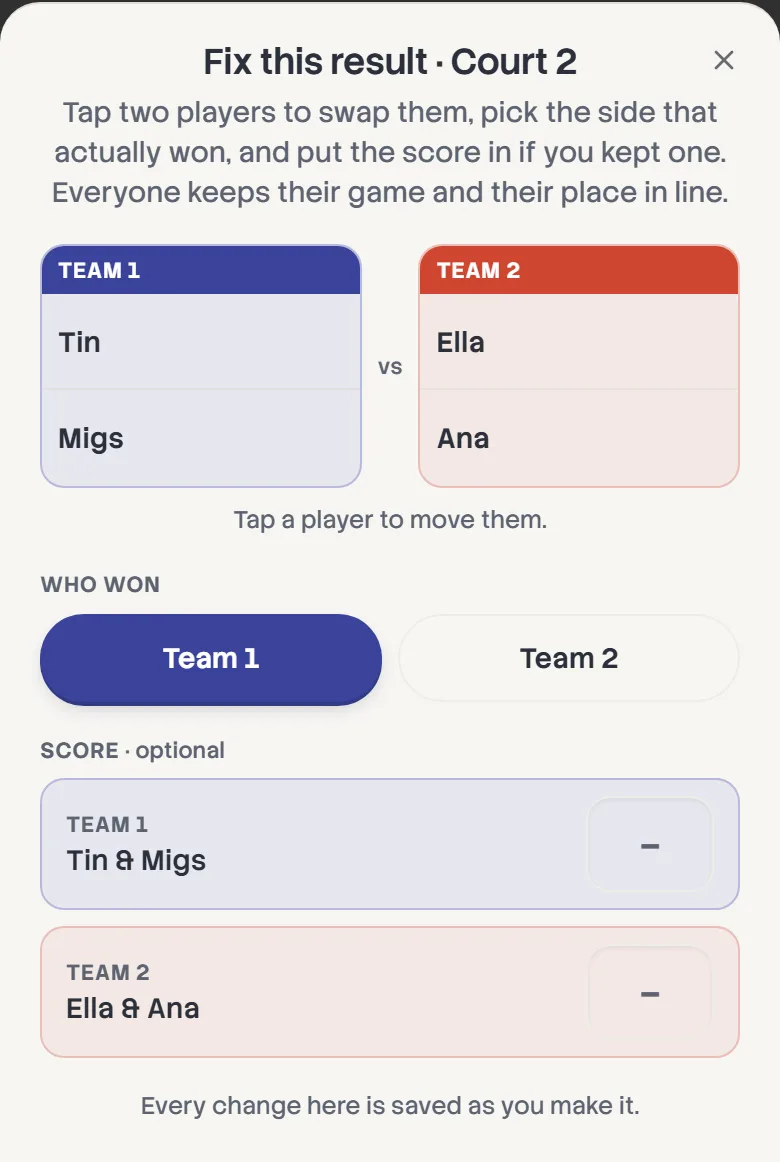
Fix a wrong result
In Results, tap the pencil on the game. Swap players between sides, pick the side that actually won, and add the score if you kept one. Everyone keeps their game and their place in line.