During the session
Lock the phone before you pass it around
Let players record results from your phone without being able to rearrange the night.
For hosts and co-hosts2 min
- 1
Set a passcode
In Queue settings, tap Lock this phone and enter a passcode of 4 to 8 digits, twice. Pick one the players won't guess and you won't forget.
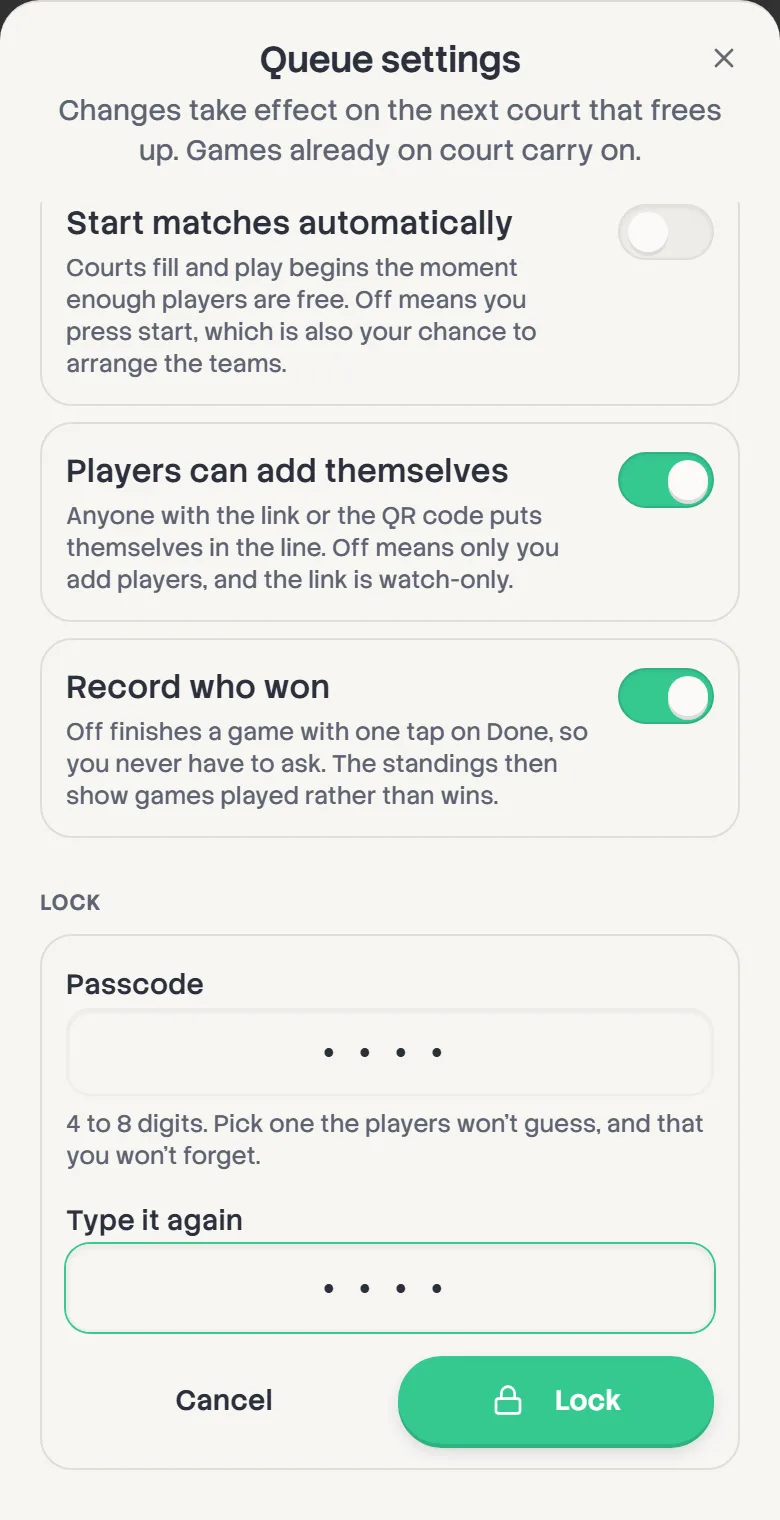
- 2
What stays open
Whoever's holding the phone can still record who won, start the next game, switch partners, put a group back to Auto and sit a player out. Swapping players, changing the line and the settings ask for the passcode first.
- 3
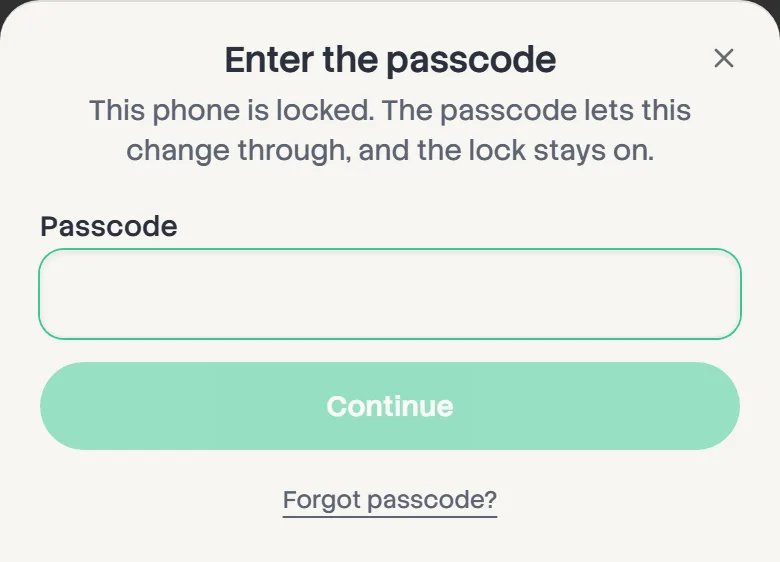
Entering the passcode
When something asks, enter the passcode and the change goes through. The lock stays on afterwards. After five wrong tries, the phone waits 30 seconds before letting anyone try again.
- 4
Turning it off
In Queue settings, tap Turn off lock. The lock covers every board on this phone, and only this phone: your co-host's phone isn't affected.
Forgot it? Forgot passcode? lets you stop hosting on this phone. If the board is saved to your account, sign back in and it comes back unlocked.