During the session
Fixed partners and requested games
Keep two people on the same side all night, or line up a game somebody asked for.
For hosts and co-hosts3 min
- 1
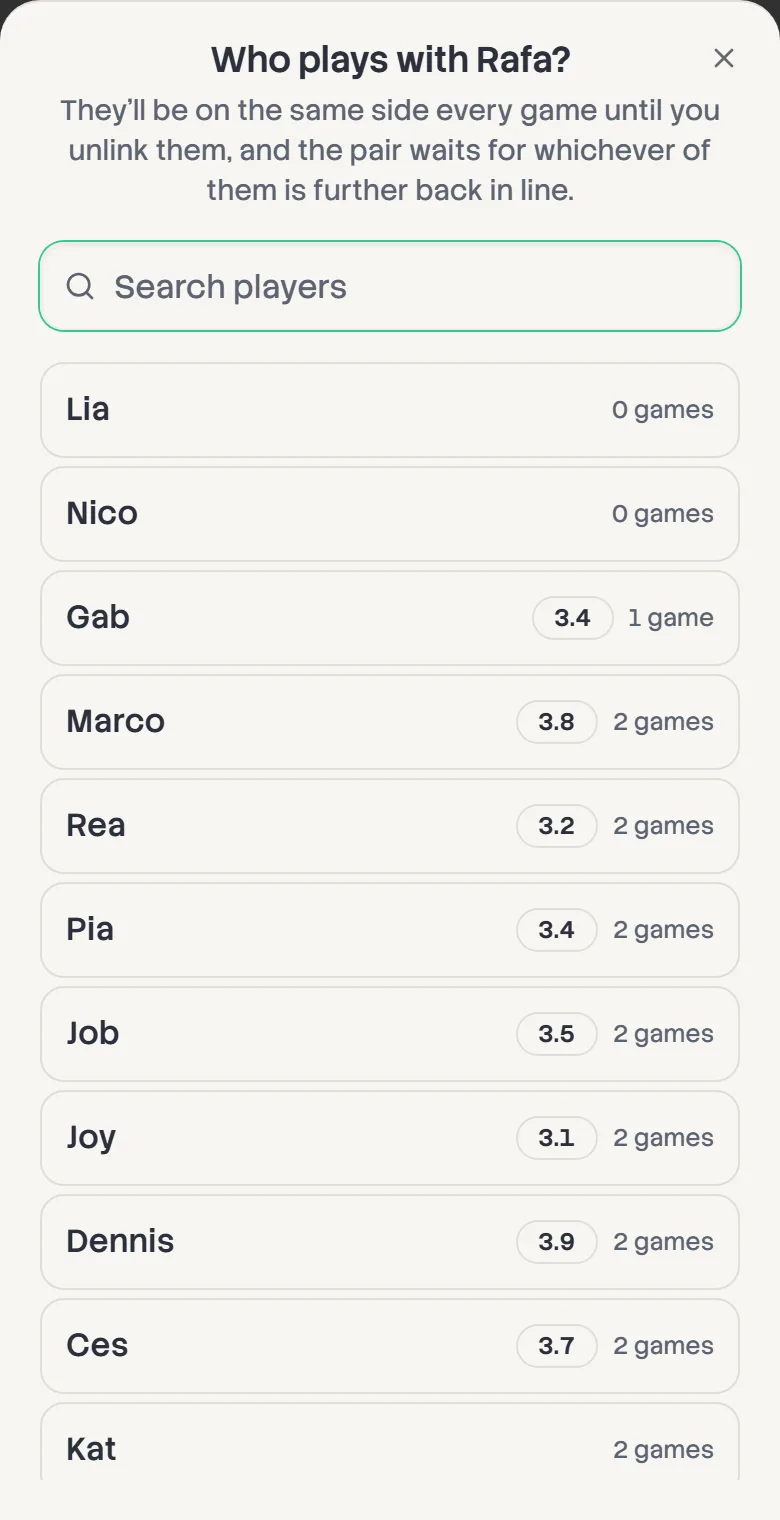
Lock a pair together
On a doubles board, open a player's row menu and choose Pair with…, then pick their partner. They're on the same side every game, and the pair waits for whichever of them is further back in line.
Unlink from… in the same menu ends it. Sitting either of them out ends it too.
- 2
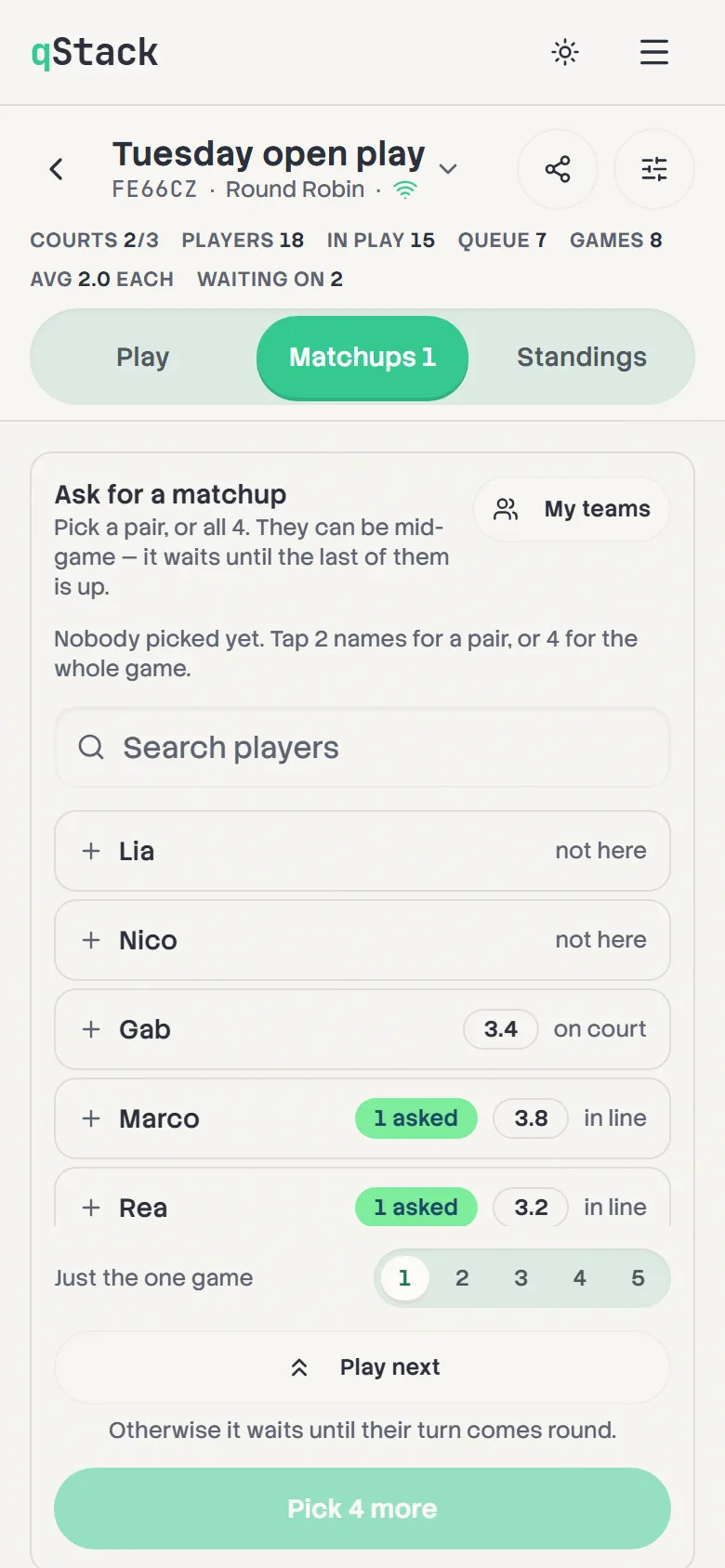
Ask for a matchup
Open Matchups and tap two names for a pair or four for a whole game. With My teams you choose the sides, and with Any teams the board does. Players can be mid-game. The matchup waits until the last of them is free.
- 3
Choose when it plays
When is Their turn to start with, so the matchup goes on when the last of them is due a game and nobody loses their place. Pick 1st, 2nd or 3rd to put it in one of the next three games instead, ahead of the line.
You can change When on a matchup under Asked for at any time, and it keeps its place in the list.
- 4
Play next
Tap Play next instead of Add matchup and it's added as the very next game in one tap. Anyone still on court is waited for.
- 5
Keep track
Under Asked for, each matchup says what it's waiting for, like "Waiting for Ana and Ben to finish" or "Goes on the next free court". Use the pencil to change who's in it without losing its place, or the X to remove it.